
Nmap Cheat Sheet 2026: Every Command You Need for Network Scanning

Every network reconnaissance starts with the same question: what is actually out there? Before you can test anything, assess anything, or secure anything, you need a map. That is exactly what Nmap does and it does it better than any other tool available.
Nmap (Network Mapper) is a free, open-source tool used by security professionals and network administrators worldwide to discover devices on a network and identify the services they are running. It works by sending specially crafted packets to a target and analyzing the responses to map out the network’s structure.
This cheat sheet covers everything you need from your first scan to advanced NSE scripting with real commands you can run immediately.
What Nmap Can Do
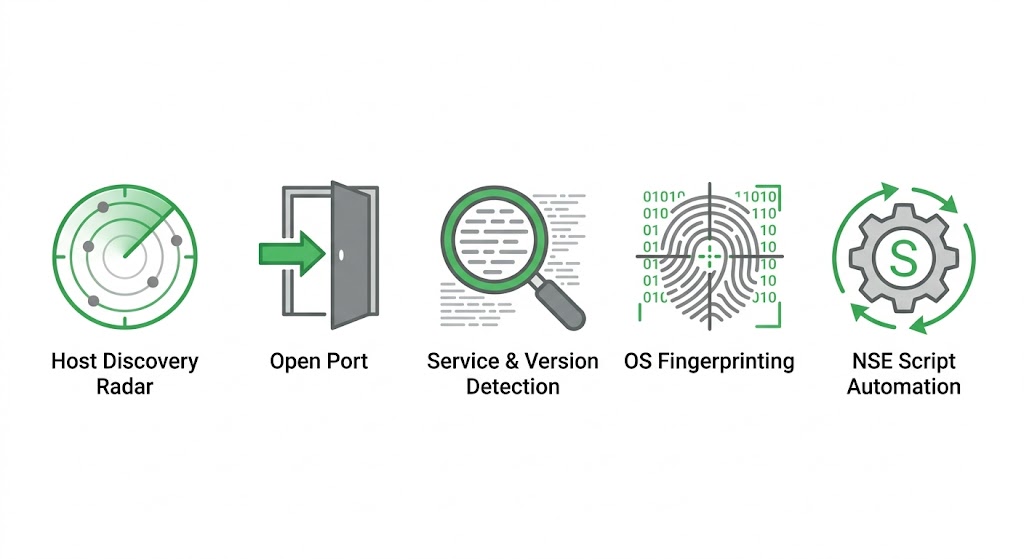
Nmap has five core capabilities that make it the go-to tool for network reconnaissance:
• Host Discovery — identifies which devices (computers, servers, IoT devices) are currently up and connected to a network
• Port Scanning — checks which ports on those devices are open, closed, or filtered by a firewall
• Service & Version Detection — determines what software is running on an open port (e.g., Apache 2.4.41) and its version number
• OS Detection — guesses the operating system and hardware characteristics of the remote device
• Scriptable Interaction (NSE) — uses the Nmap Scripting Engine to automate tasks like vulnerability detection or advanced service discovery
Basic Scans
Start here. These four commands cover the most common scanning scenarios.
nmap -sn <target> (Ping Scan — no port scan, host discovery only)nmap -T4 -F <target> (Quick Scan — fast scan of top 100 ports)nmap <target> (Default TCP Scan — scans top 1000 ports)nmap -p- <target> (All Ports Scan — scans all 65535 ports)Target Specification
Define exactly which IPs, ranges, or subnets Nmap should scan during your network reconnaissance.
DESCRIPTION | EXAMPLE | SWITCH |
Scan a single IP | |
|
Scan specific IPs | |
|
Scan a range | |
|
Scan a domain | |
|
Scan using CIDR notation | |
|
Scan targets from a file | | |
Scan 100 random hosts | | |
Exclude listed hosts | | |
Nmap Scan Techniques
Choose the type of scan to run, from stealthy SYN scans to full TCP and UDP scans.
DESCRIPTION | EXAMPLE | SWITCH |
TCP SYN port scan (Default) | | |
TCP connect port scan (no root) | | |
UDP port scan | | |
TCP ACK port scan | | |
TCP Window port scan | | |
TCP Maimon port scan | | |
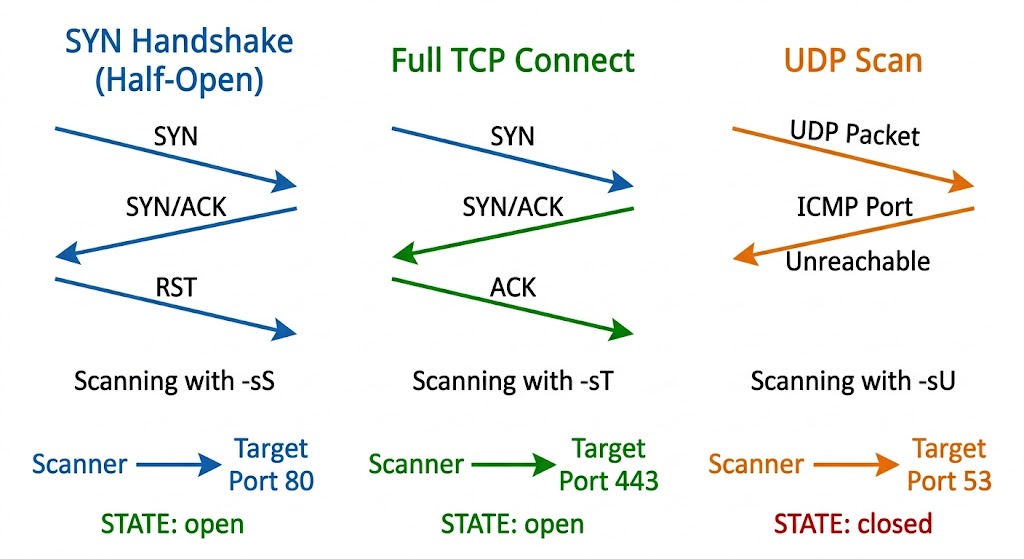
SYN Scan (-sS) is the half-open scan. It sends a SYN packet but never completes the handshake, making it faster and quieter the default for root users.
UDP Scan (-sU) targets UDP services like DNS, SNMP, and DHCP. It is slower because UDP does not provide the same feedback as TCP.
TCP Connect (-sT) completes the full three-way handshake. Easy to detect but works even without root privileges.
Host Discovery
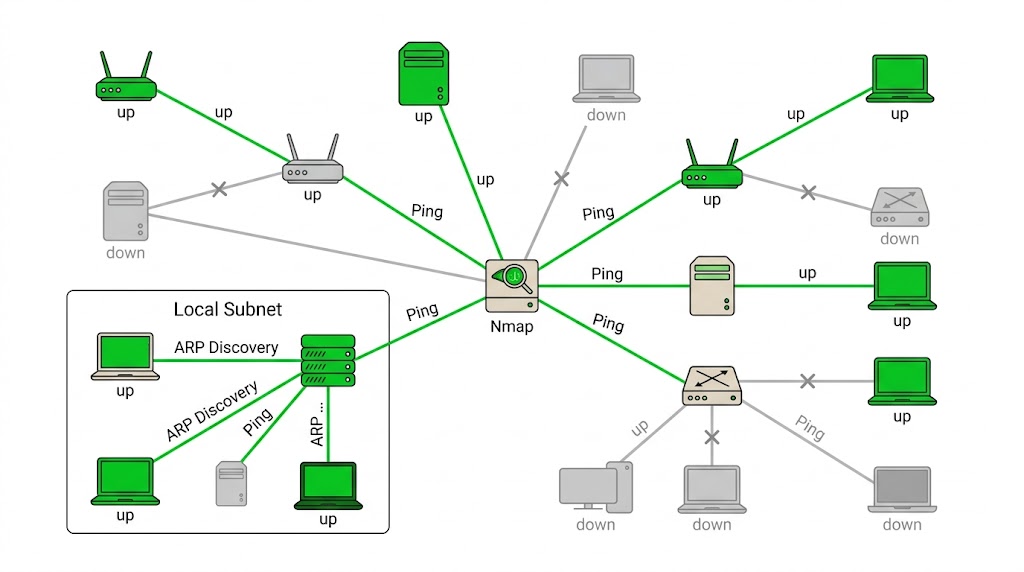
Identify which hosts are online before running a full scan or when skipping port scans entirely.
DESCRIPTION | EXAMPLE | SWITCH |
No Scan. List targets only | | |
Disable port scanning. Host discovery only. | | |
Disable host discovery. Port scan only. | | |
TCP SYN discovery on port x | | |
TCP ACK discovery on port x | | |
UDP discovery on port x | | |
ARP discovery on local network | | |
Never do DNS resolution | | |
Port Specification
Target specific ports, ranges, or combinations of TCP and UDP ports for more precise scans.
DESCRIPTION | EXAMPLE | SWITCH |
Port scan for port x | | |
Port range | | |
Port scan multiple TCP and UDP ports | | |
Port scan all ports | | |
Port scan from service name | | |
Fast port scan (100 ports) | | |
Port scan the top x ports | | |
Start scan at port 1 | | |
Scan through to port 65535 | | |
Service and Version Detection
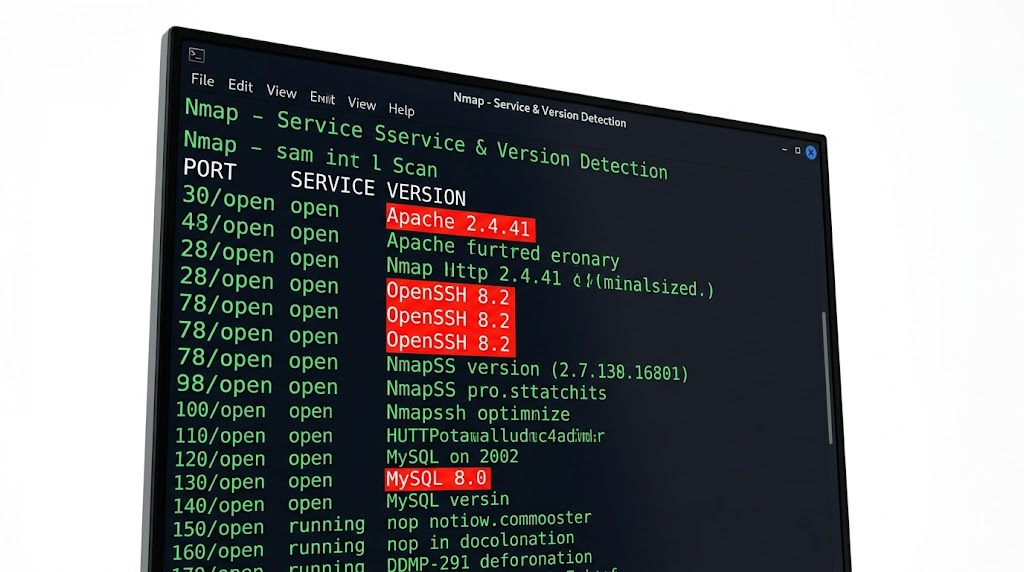
Detect which services are running and attempt to identify their software versions and configurations.
DESCRIPTION | EXAMPLE | SWITCH |
Attempts to determine the service version | | |
Intensity level 0-9 (higher = more accurate) | | |
Enable light mode. Faster, less accurate | | |
Intensity level 9. Slower, most accurate | | |
OS detection, version, scripts, traceroute | | |
OS Detection

Use TCP/IP fingerprinting to guess the operating system of target hosts.
DESCRIPTION | EXAMPLE | SWITCH |
Remote OS detection using TCP/IP fingerprinting | | |
Skip OS detection if no open+closed TCP port found | | |
Makes Nmap guess more aggressively | | |
Set maximum OS detection tries against target | | |
OS detection, version, scripts, traceroute | | |
NSE Scripts
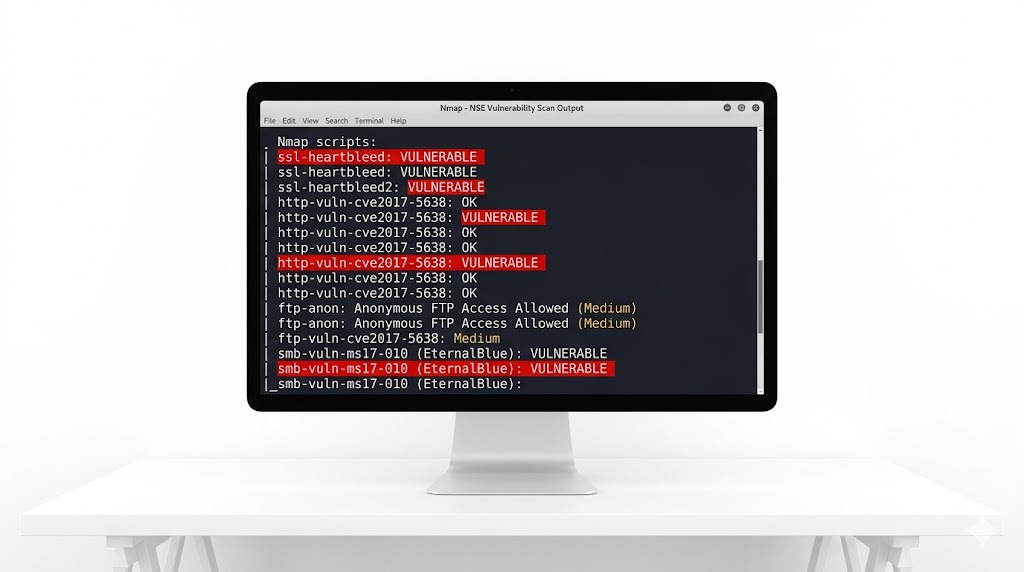
Enhance your scans with Nmap’s scripting engine for automation and deeper inspection.
DESCRIPTION | EXAMPLE | SWITCH |
Scan with default NSE scripts | | |
Scan with default NSE scripts (explicit) | | |
Scan with a single script (e.g. banner) | | |
Scan with a wildcard (e.g. http) | | |
Scan with two scripts (e.g. http, banner) | | |
Scan default, remove intrusive scripts | | |
NSE script with arguments | | |
Vulnerability Scan: nmap --script vuln <target>Specific Script: nmap --script http-enum <target>Output
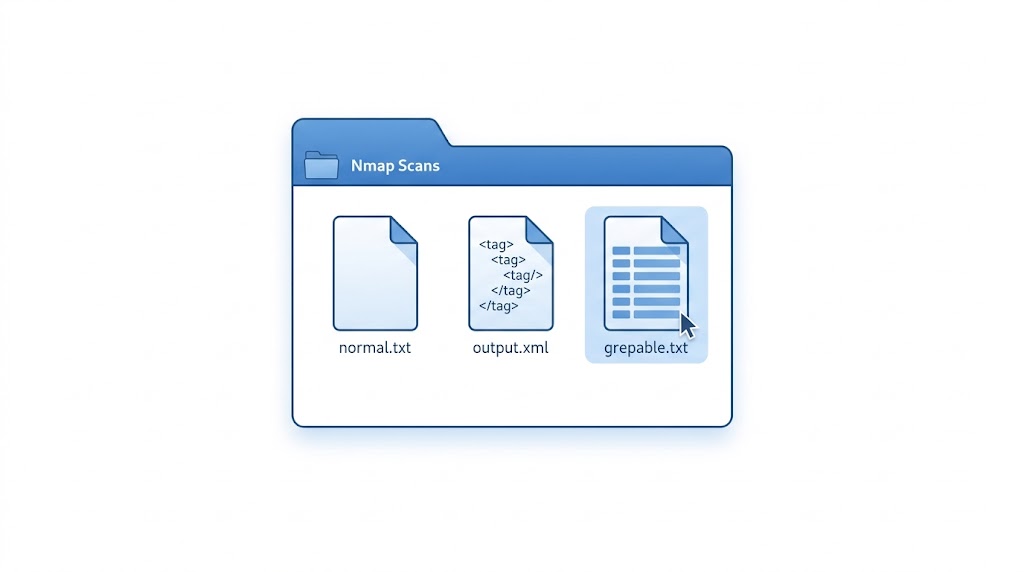
Save your scan results in formats like normal text, XML, or grepable output for later analysis.
DESCRIPTION | EXAMPLE | SWITCH |
Normal output to file | | |
XML output to file | | |
Grepable output to file | | |
Output in three major formats at once | | |
Grepable output to screen | | |
Append scan to a previous scan file | | |
Increase verbosity level | | |
Increase debugging level | | |
Display reason a port is in a state | | |
Only show open ports | | |
Show all packets sent and received | | |
Shows host interfaces and routes | | |
Resume a scan | | |
Want to dive deeper?
Explore our certified internship and certification programs related to this topic.

Edwin Saji
Intern at Edwhere